Manage Purchase Orders and Delivery Commitments Across Your Manufacturing Network.
Collabrix connects the sponsor's ERP to every CMO in the network through one shared purchase order record. Orders flow in, reach the partner responsible for them, and any change to delivery date or quantity is agreed on the record — by review, or automatically under agreed rules — then written back to the sponsor's ERP, and to the partner's, where they run one. Raw material batches are allocated to the order from sponsor ERP stock, so the CMO knows exactly which batches to manufacture with. Partners work in Collabrix whatever systems they have, or don't.
Request a DemoIn This Solution

Sponsor ERP Integration
Import purchase orders for every CMO automatically.

PO Distribution to CMOs
Share each order with the right partner site.

Date and Quantity Collaboration
Agree changes on the record, by review or by rule.

Write-Back to Systems of Record
Post agreed values back to every connected system.

Raw Material Batch Allocation
Commit available sponsor batches to the order.
The Purchase Order Leaves the ERP and the Agreement Falls Apart.
A purchase order starts as clean, structured data in the sponsor's ERP. Then it is exported, attached to an email, and sent to a partner. From that point the order lives in an inbox. The CMO replies that the date will slip two weeks and the quantity will come in short. Someone agrees — verbally, or in a thread. And the two ERPs, which are the systems both companies actually plan and pay against, are never updated.
Four consequences follow:

Two versions of the truth
The sponsor's ERP holds the original dates and quantities; the partner is working from whatever they last received by email. Neither reflects what was actually agreed.

Agreements with no record
A delivery-date change accepted in an email chain has no approver, no timestamp, and no audit trail — so there is nothing to show when the commitment is questioned later.

Manual re-entry, twice
The same change is keyed again on each side — into an ERP, a spreadsheet, or a planning board — at different times and with different interpretations.

Late discovery
Because nothing posts back, planning downstream of the order carries on against dates both parties already know are wrong.
One Round Trip, From Sponsor ERP to CMO and Back.
The purchase order cycle is a closed loop: the order enters from the sponsor's system, reaches the partner responsible for it, gets agreed by both sides, and returns to the sponsor's ERP — and to the partner's system, where they have one. Raw material batch allocation sits alongside that loop rather than inside it — it can be applied at any point, so the CMO always knows which batches to manufacture with.

Sponsor ERP
Purchase orders are imported across every CMO and every site, on a scheduled or event-driven basis.

CMO
Each order is shared with the partner site responsible for it, scoped to their organisation.

Both parties
Delivery date and quantity are agreed on the record — by review, or automatically under agreed rules.

Systems of record
Agreed values are posted back to the sponsor's ERP and to the partner's, where they run one.
At any stage — batch allocation
Raw material batch allocation runs alongside the cycle, not after it. Batches can be allocated at any point and re-allocated as availability changes.
What Changes When the Order Lives in One Place.

One agreed version of every order
Every system in play carries the same delivery date and quantity, because the same agreement wrote them.

Commitments that are actually committed
A date is settled when it has been agreed on the record — not when someone replies "should be fine" in an email thread.

Every change attributable
Who proposed it, who approved it, when — retained on the order line as audit evidence rather than assembled from email later.

Every partner can take part
A CMO with no ERP is not left on email. The shared record is the place they work, so the least digitally mature partner is still on the same order as everyone else.
No double data entry
The change is keyed once, agreed once, and flows to every connected system automatically.
Downstream planning on real dates
Because approved values post back immediately, everything planned against the order is working from the current commitment.
No material committed twice
Because batches are allocated from sponsor ERP stock under planning rules, an order can only be committed against material that actually exists.
The CMO manufactures with no questions to ask
Date, quantity, and the specific batches to use all arrive on the same order — not in three separate emails.
How an Order Moves, Step by Step.
Four stages carry the order from the sponsor's ERP to an agreed commitment in every system that needs it. Batch allocation attaches to the order at whatever point suits the material.
Interface with sponsor ERP and import POs for all CMOs
Collabrix connects to the sponsor's ERP and imports purchase orders across the entire external network — every CMO, every site — on a scheduled or event-driven basis. No manual export, no re-keying, no per-partner spreadsheet.
- Direct integration with the sponsor's ERP (including SAP)
- Orders imported for all CMOs in one interface, not one connection per partner
- Line-level detail preserved: material, quantity, delivery date, site, terms
- New orders and subsequent ERP-side changes both flow through
Share the POs with CMOs
Each imported order is published to the CMO responsible for it. Partners see their own orders in a shared record, scoped to their organisation and site — not a mailbox, and not a copy they have to reconcile.
- Automatic routing of each order to the correct partner and site
- Role-based access, so each CMO sees only its own orders
- Order status visible to both sides at the same time
- Acknowledgement captured against the order itself
Collaborate on delivery date and quantity, with approval from both parties
This is where the value sits. When a delivery date or quantity needs to move, the CMO proposes the change on the order line, the sponsor reviews it, and the change becomes final only when both parties have approved. The negotiation happens on the record instead of around it.
- CMO proposes revised delivery date and/or quantity at line level
- Sponsor reviews, approves, rejects, or counter-proposes
- Dual-party approval required before a value is treated as final
- Every proposal and approval carries the party, the user, and the timestamp
- Full change history retained on the order line
Post the finalized values to sponsor and CMO ERP
Once both approvals are in, Collabrix writes the agreed delivery date and quantity back to the sponsor's ERP and the CMO's ERP. The agreement stops being a conversation and becomes data in both systems of record.
- Approved values posted to both ERPs, not just the sponsor's
- Both systems reflect the same agreed date and quantity
- Posting confirmation and failure handling visible on the order
- No manual re-entry on either side
Batch allocation — commit the raw material batches to the order
The specific raw material batches for the order are allocated against the PO. Batches are sourced from the sponsor's ERP, so only material that is genuinely available gets committed, adhering to the rules of planning. The CMO then knows precisely which batch or batches to use when manufacturing takes place.
- Batches sourced from the sponsor's ERP — the system that holds real stock
- Only available raw material is committed, in line with planning rules
- One or several batches allocated per order line as required
- Allocated batch identifiers visible to the CMO ahead of the manufacturing run
- Traceability from the order line through to the batches consumed
Enterprise-Grade, Standards-Based, Connected to Both Sides.
Procurement Collaboration runs on the Mosymphony platform, built for the realities of external manufacturing networks. It integrates with the sponsor's ERP and with partner systems where they exist — and gives partners who have none a place to work, so no CMO is excluded by its level of digital maturity.
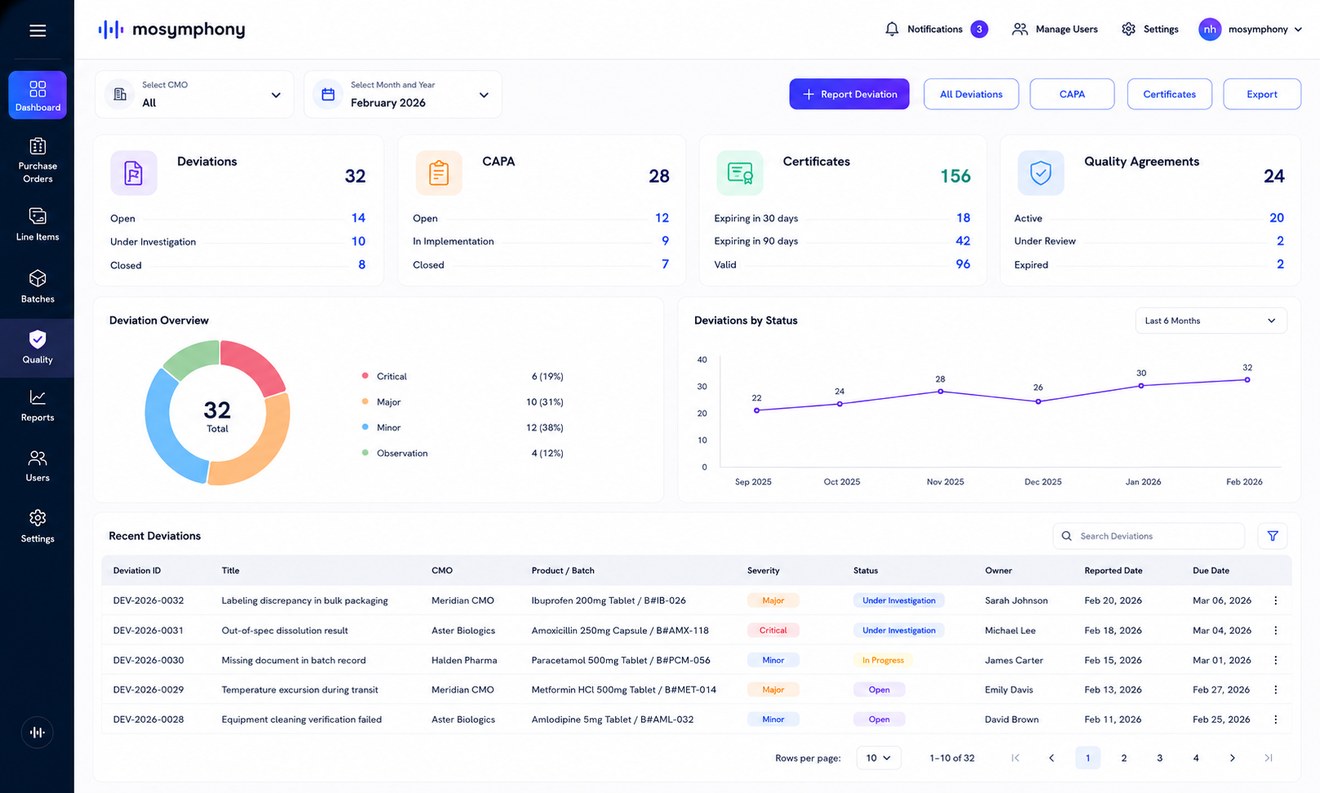
Built based on industry-standard messages — one common integration vocabulary across sponsor and partner systems
Bidirectional ERP integration, including SAP, on the sponsor side and for partners who run their own
Works with partners at any level of digital maturity — no CMO needs an ERP to participate
Role-based partner access scoped per organisation and site
Deploys alongside the other Collabrix solutions on one sponsor–partner platform
Related Solutions
Procurement Collaboration covers the purchase order cycle. The neighbouring solutions pick up what happens before and after it.
Technology Transfer
Challenge
Technology transfer scattered across files — risks errors and delays.
Outcome
Faster, cleaner transfers with less rework.

Forecast Collaboration
Challenge
Partners plan against outdated or informal demand signals.
Outcome
Accurate capacity planning with fewer supply gaps and less excess.

Manufacturing Collaboration
Challenge
Sponsors lack timely visibility into production at partner sites.
Outcome
Issues surface early, improving coordination and reducing delays.